Business-card designs
Explore all nine QR8 business-card designs, with real examples from the app and a page for each layout.
Sample contact details. Add your own name, contact information and image in the app.
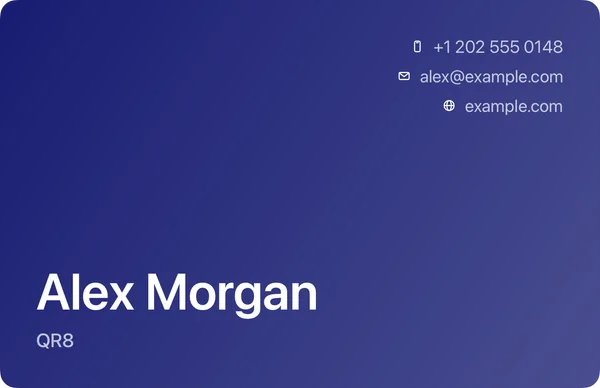
Bold
A full-color blue card puts the name low and large, giving it room to lead.
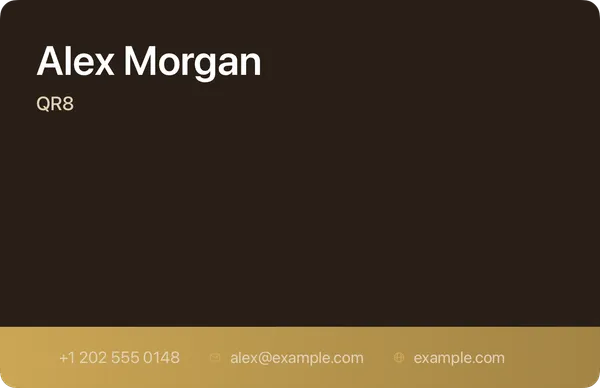
Golden
Warm brown and a gold band give this card a distinct frame. Light contact details sit against the dark surface.
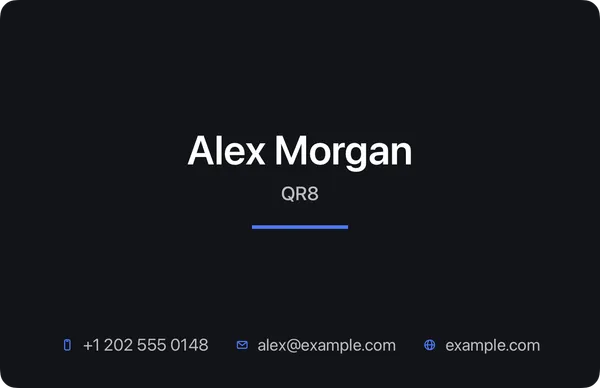
Midnight
A centered name sits on a near-black card, with contact information gathered along the bottom.
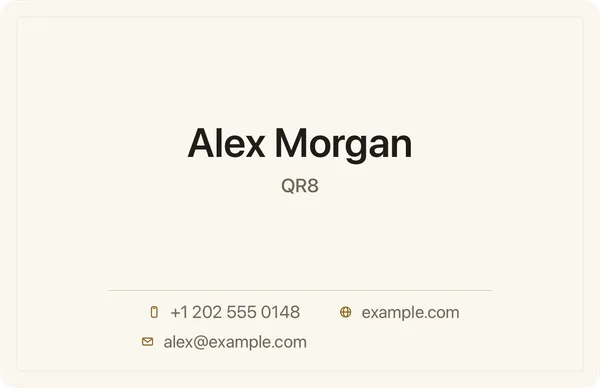
Classic
A cream card uses gold accents, a centered name and two columns of contact details.
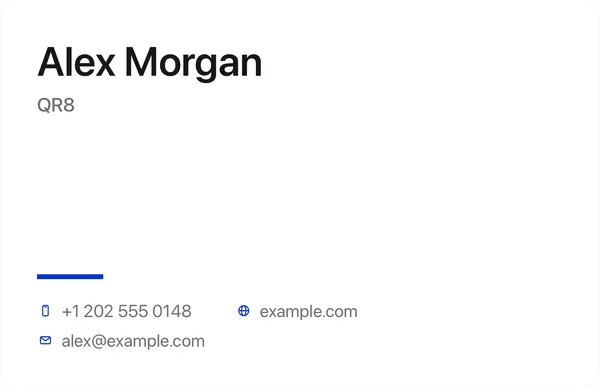
Minimal
White space, left-aligned text and a single fine rule keep the card simple.
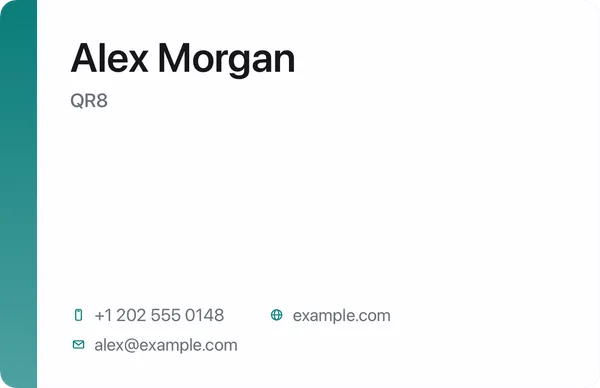
Stripe
A colored band runs down the leading edge of a pale card. The rest of the layout keeps the details together.
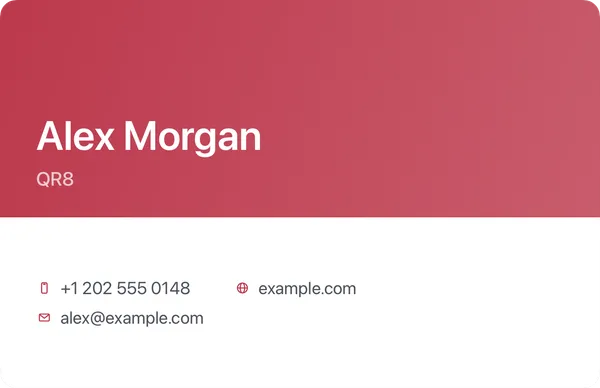
Split
Color fills the top of the card while the contact details sit on the pale lower half.
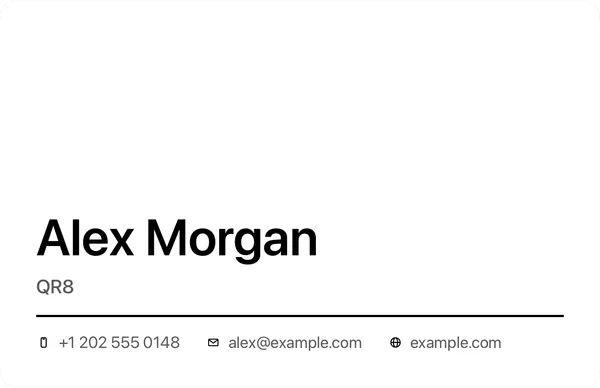
Mono
A large name leads a black-and-white card. A simple rule provides the only accent.
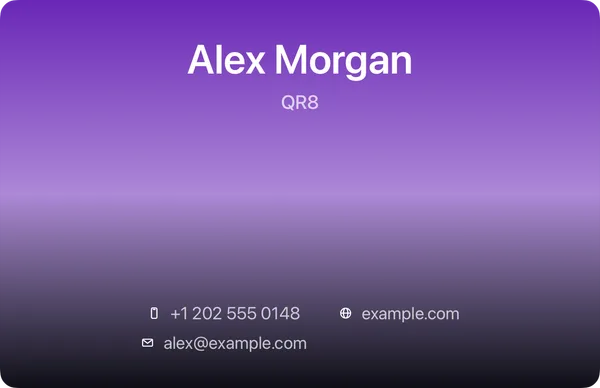
Aurora
An accent color fades into a dark background behind a centered layout.
Sample contact details. Add your own name, contact information and image in the app.
Make it yours in QR8
Saving, exporting and scanning require Premium. Plans and prices are shown in the app.