QR codes with a personal touch
Start with a link, text, Wi-Fi details or contact information. Choose a preset, adjust the colors and shapes, or add your own image. Export as PNG, PDF or SVG with Premium.
See all 8 QR stylesTurn a link into a QR code that feels like yours. Pick a look, change the details, and take it with you. QR8 also handles business cards, barcodes and everyday scanning.
Made for iPhone · No ads · No account
Explore designs for free. Saving, exporting and scanning require Premium.



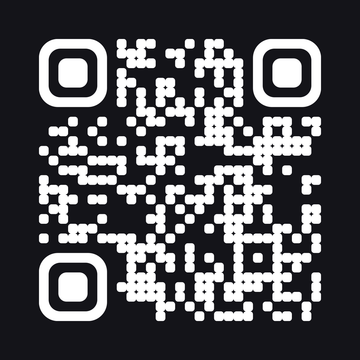
Start with a link, text, Wi-Fi details or contact information. Choose a preset, adjust the colors and shapes, or add your own image. Export as PNG, PDF or SVG with Premium.
See all 8 QR stylesPut your name and contact details into one of nine business-card designs. Add a portrait or logo, save the card with Premium, and share it as an image.
See all 9 card designsUse Premium to scan QR codes and barcodes. Live Text picks out text from the camera view so you can copy it without typing it again.
Scan documents with Premium, arrange the pages, and export a PDF. Find saved documents alongside your codes and cards in Created.
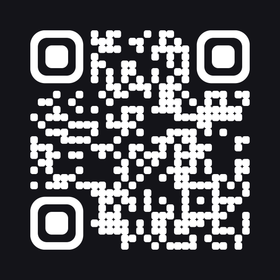
Eight starting points, from plain black squares to dots, flowing shapes and dark backgrounds. Open a style to see the details.
Each example opens qr8app.com. Make a code with your own content in the app.
Choose what the code should contain, then enter the details in QR8.
Start with a preset. Change the colors, shapes or center image to suit what you are making.
Check that your code scans. Use Premium to save it or export a PNG, PDF or SVG.
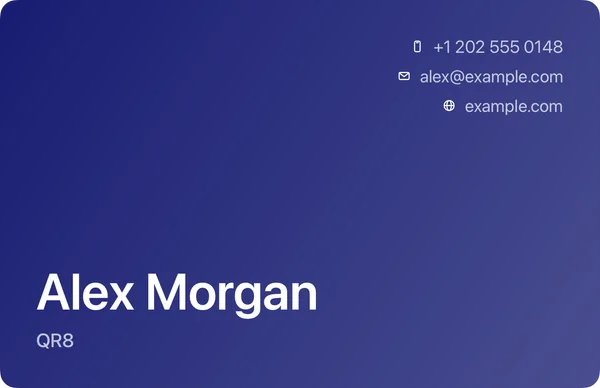
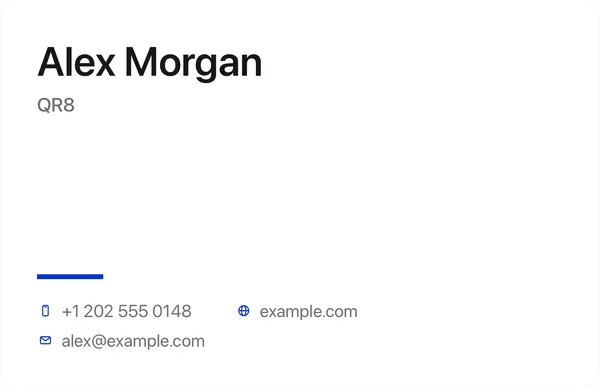
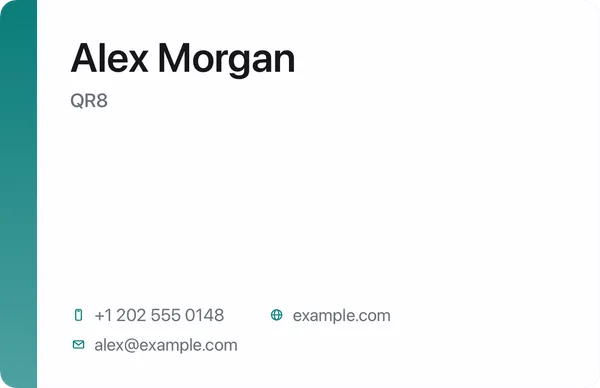
Nine card designs, each with its own layout and colors. Add your contact details and a logo or portrait.
Sample contact details. Add your own name, contact information and image in the app.
QR8 creates codes and cards and processes scans on your device. It has no ads or account signup. App analytics and subscription services still process usage and purchase data.
Read the privacy policyQR8 is free to download, and you can explore its QR designs before subscribing. Scanning codes, using Live Text, scanning documents, and saving or exporting your creations require Premium. Current plans and prices are shown in the app.
QR8 supports links, text, Wi-Fi details and contact information, along with other content types in the app. Enter your own details, choose a design, and test the finished code before using it.
QR codes export as PNG, PDF or SVG with Premium. Business cards and barcodes save or share as images. Scanned documents export as PDFs.
No. QR8 encodes the content you enter directly in the code. An exported code does not need a QR8 subscription to be scanned. A website or other destination still needs to remain available.
QR8 makes codes and cards and processes document scans and Live Text on your device. When you save or share a file, the destination you choose handles that copy. Firebase and RevenueCat handle app analytics, diagnostics, settings and purchases as described in the privacy policy.
The website lets you explore the designs. To create a code with your own content, download QR8 for iPhone.
Create your first code in QR8. Keep the scanner close for everything else.
Download on the App StoreSaving, exporting and scanning require Premium. Plans and prices are shown in the app.