Split
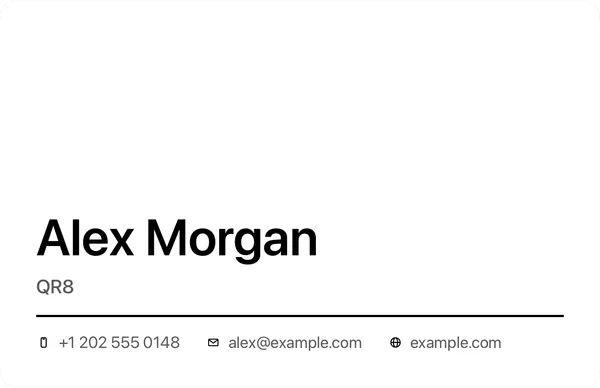
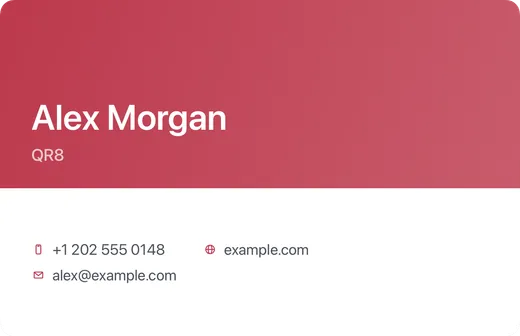
Color fills the top of the card while the contact details sit on the pale lower half.
A clear division between the introduction and the information. Try an accent that works with your logo or portrait.
Download on the App StoreSaving, exporting and scanning require Premium. Plans and prices are shown in the app.
Make this design your own
- Open the business card tool and enter your contact details.
- Choose this design and add a logo or portrait if you like.
- Save your card with Premium, then share the image.