QR code styles
Explore all eight QR8 presets. See the shapes, colors and practical details of each look before making your own QR code.
Each example opens qr8app.com. Make a code with your own content in the app.

Classic
Straight square modules and square corners keep the focus on the information. The plain black design has a transparent background.
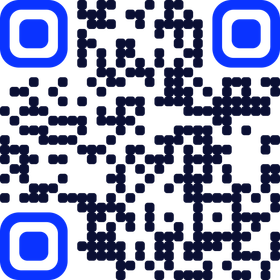
Midnight
Soft modules in deep navy meet rounded, bright blue finder corners. The blue accents give the code a clear point of focus.

Bubble
Round dots and circular finder corners soften the grid. The modules shift from blue to cyan.
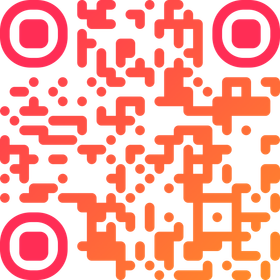
Sunset
Flowing modules run through pink and orange, framed by cushioned finder corners.
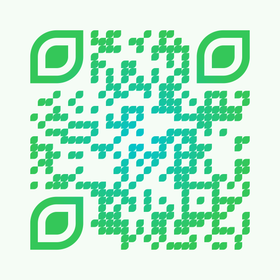
Forest
Leaf-shaped modules and finder corners sit on a pale green background. The pattern uses a teal-to-green radial gradient.
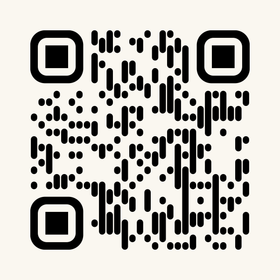
Ink
Black column-shaped modules give the code a lined texture. Rounded finder rings sit on a warm cream background.
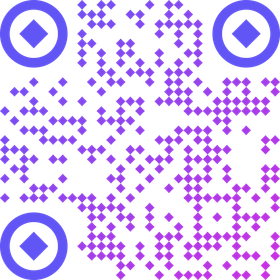
Sparkle
Star-shaped modules meet circular finder rings and diamond centers. An indigo-to-purple gradient ties the pattern together.
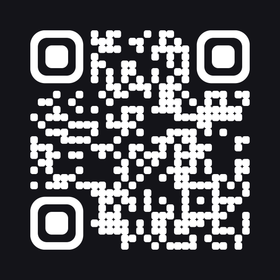
Inverted
White, softly rounded modules sit on a near-black background, with rounded finder corners.
Test your finished code before printing or sharing. Colors, size and the surface you place it on affect scanning.
Make it yours in QR8
Saving, exporting and scanning require Premium. Plans and prices are shown in the app.